AI Photo Prompts for ChatGPT & Gemini
Explore AI Photo Prompts for Every Style
Fresh, short prompts that keep your real face. Choose a style, copy it, then add your photo in Gemini or ChatGPT.
- 141
- short prompts, ready to copy
- Free
- no login and no app needed
- 2 apps
- works in Gemini and ChatGPT
Pick a style
All 2 stylesMost copied this week
See the full list- 1
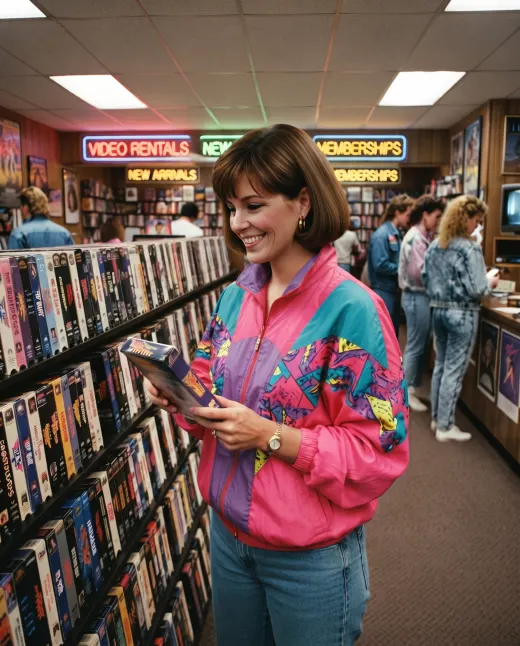
80s Look Prompt
80s Look 1 copies - 2

Couple Prompt
Couple 1 copies - 3

Sunset Beach Couple Walk
Couple 1 copies - 4
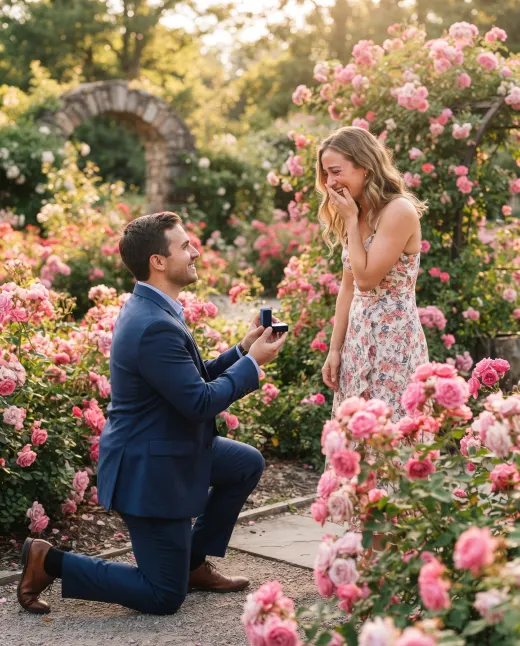
Rose Garden Proposal Moment
Couple 1 copies
Three steps, one minute
- 1
Pick and copy
Choose any idea and tap Copy. Swap the coloured words first if you want. - 2
Attach your photo
Open Gemini or ChatGPT and add one clear photo of your face. - 3
Paste and save
Paste the prompt, send it and download the picture you like.
Quick answers
Why are these prompts short?
Short prompts are easier for AI apps to follow, so faces and scenes come out right more often.
Is it free?
Yes, every prompt is free, and the free versions of Gemini and ChatGPT work fine.
Will my face stay the same?
Each prompt asks the AI to keep your real face. Face lock adds an extra line for a closer match.
Do I need to sign up here?
No sign up. Tap the heart to save prompts on this device.